AI Tutor
Guidance that follows your thinking.
Ask questions and get explanations and follow-up questions based on your answers.

Explore the tools inside Rabbit Hole.
Guidance that follows your thinking.
Ask questions and get explanations and follow-up questions based on your answers.
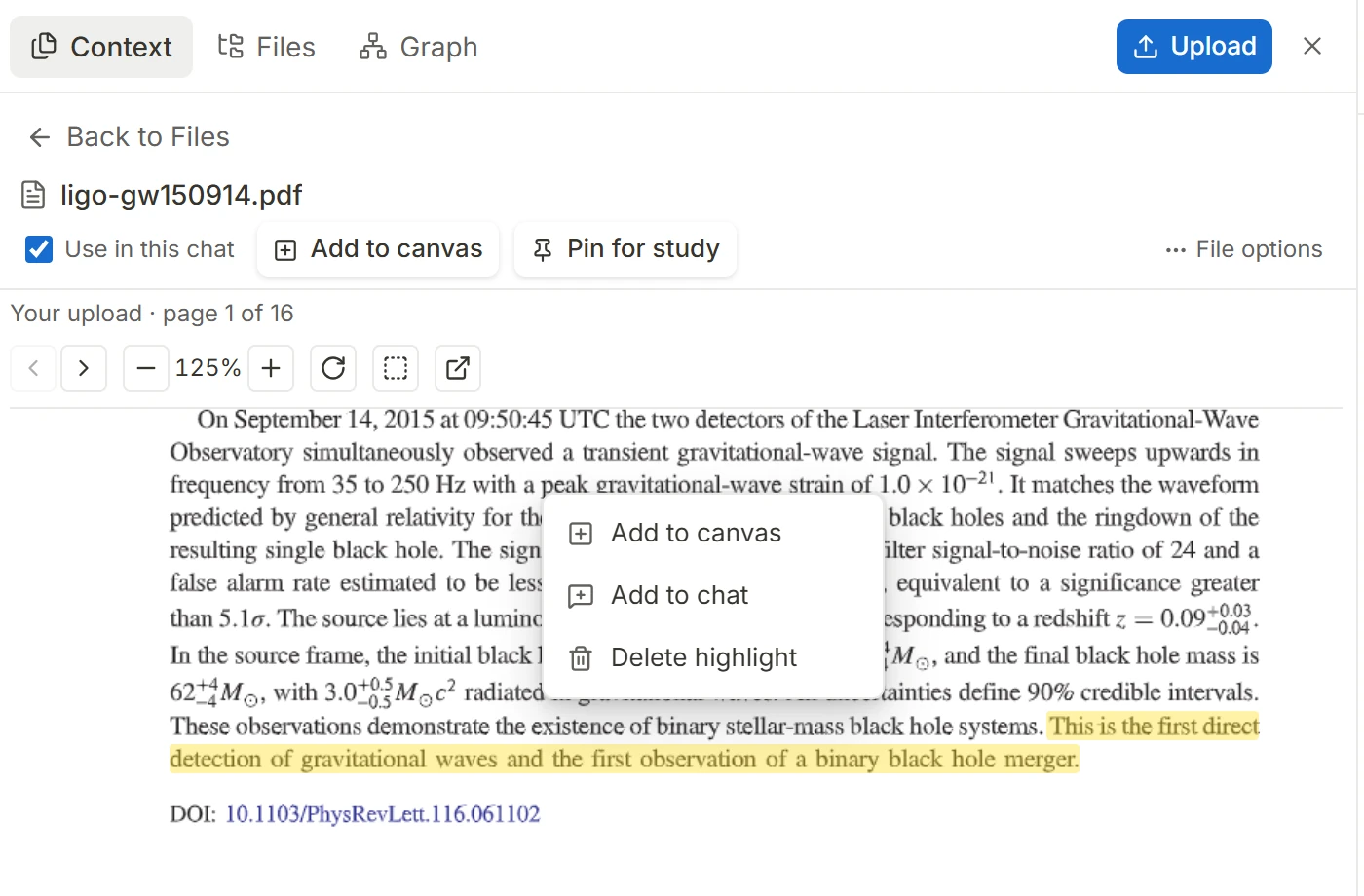
Read closely. Keep the useful parts.
Highlight passages and ask questions about what you are reading.
Explore how a codebase fits together.
Browse repository structure and follow the code behind a function or class.

Keep your reference beside your work.
Pin a paper or document while working through an example in a notebook.

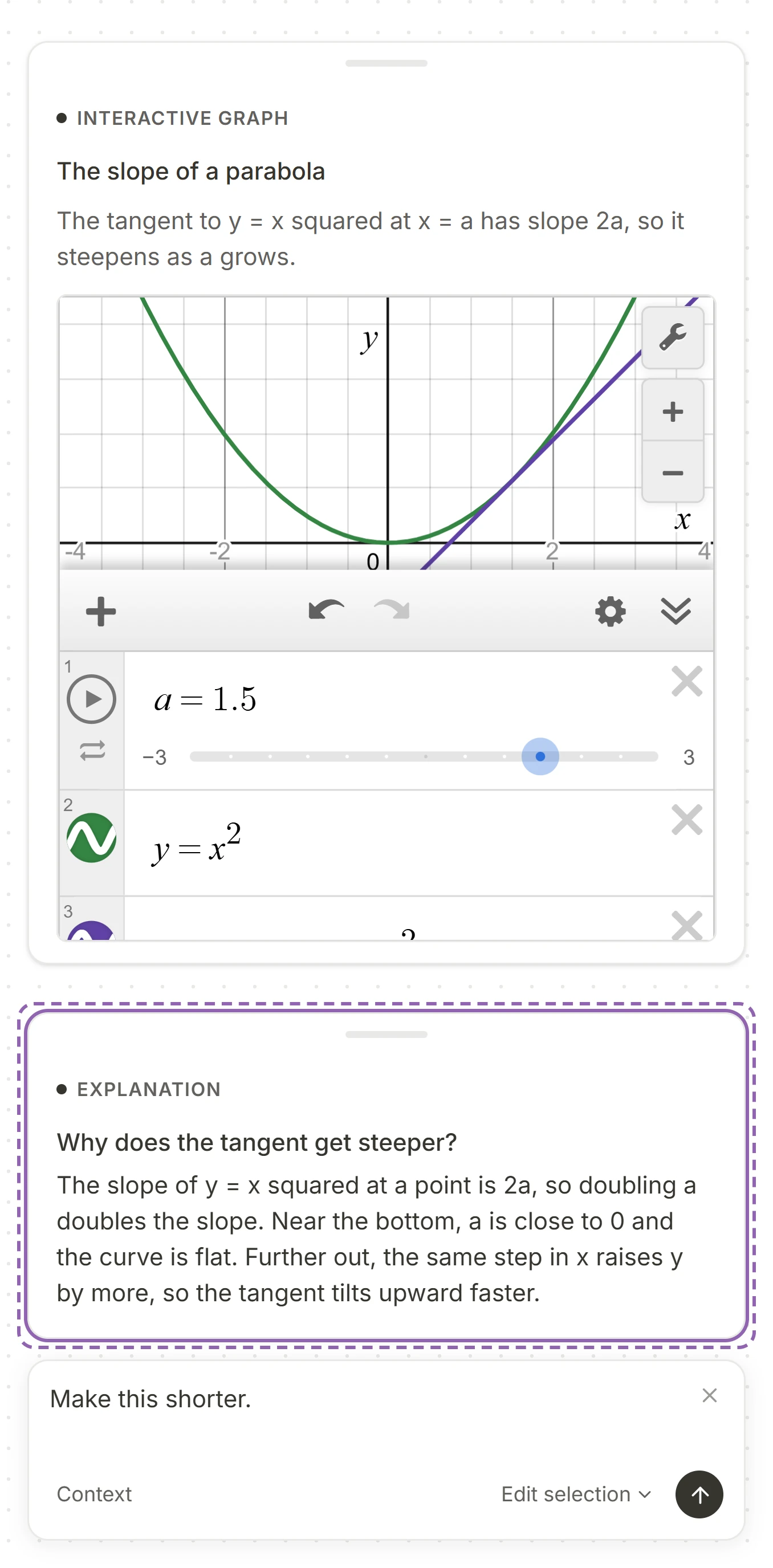
Change a card with an instruction.
Select a card and press Ctrl + K. Tell it what to change and it rewrites the card. Or ask for an explanation and the AI tutor walks you through the card.
Work through ideas in code.
Write and run code, then inspect its output beside your learning material.
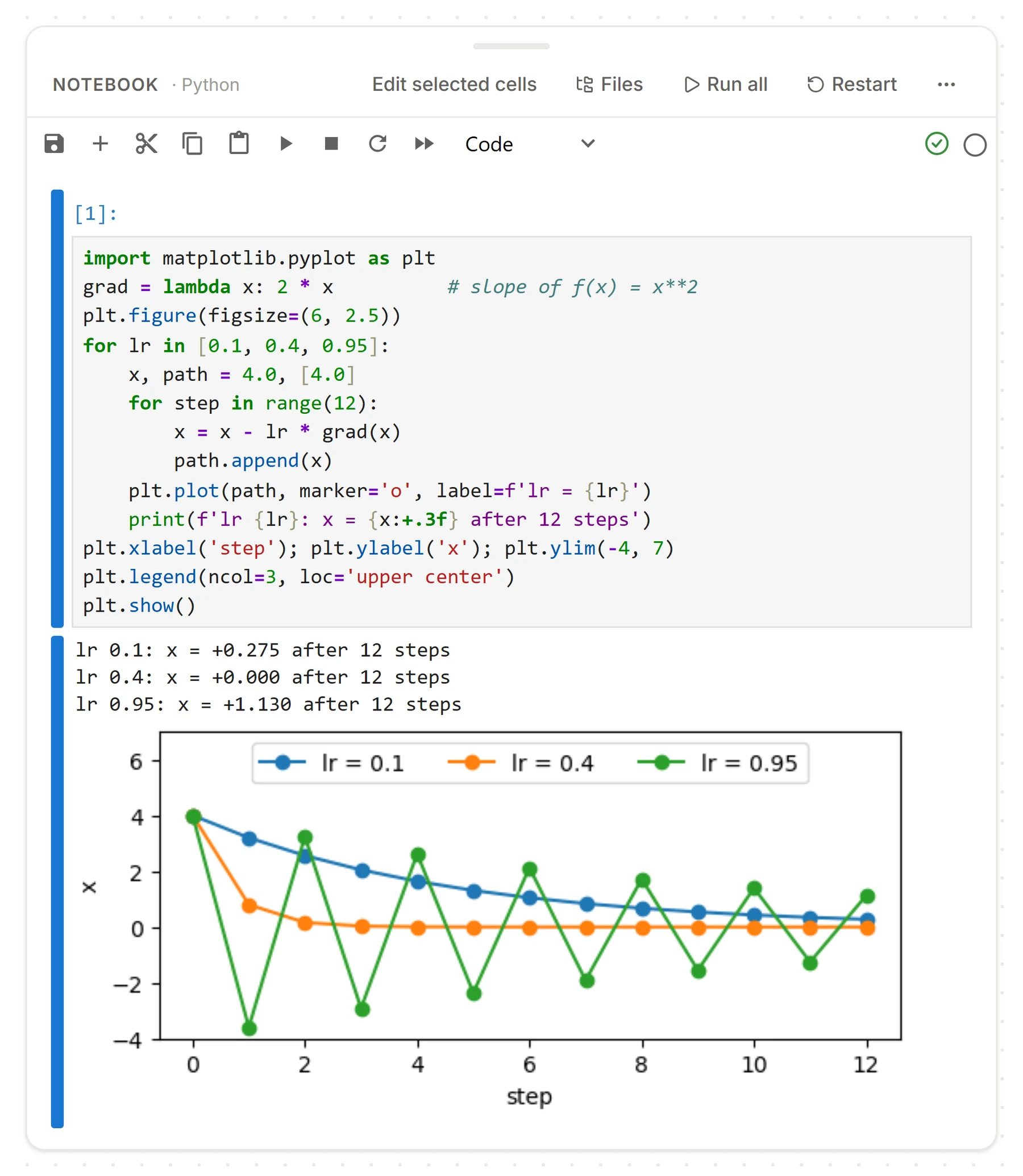
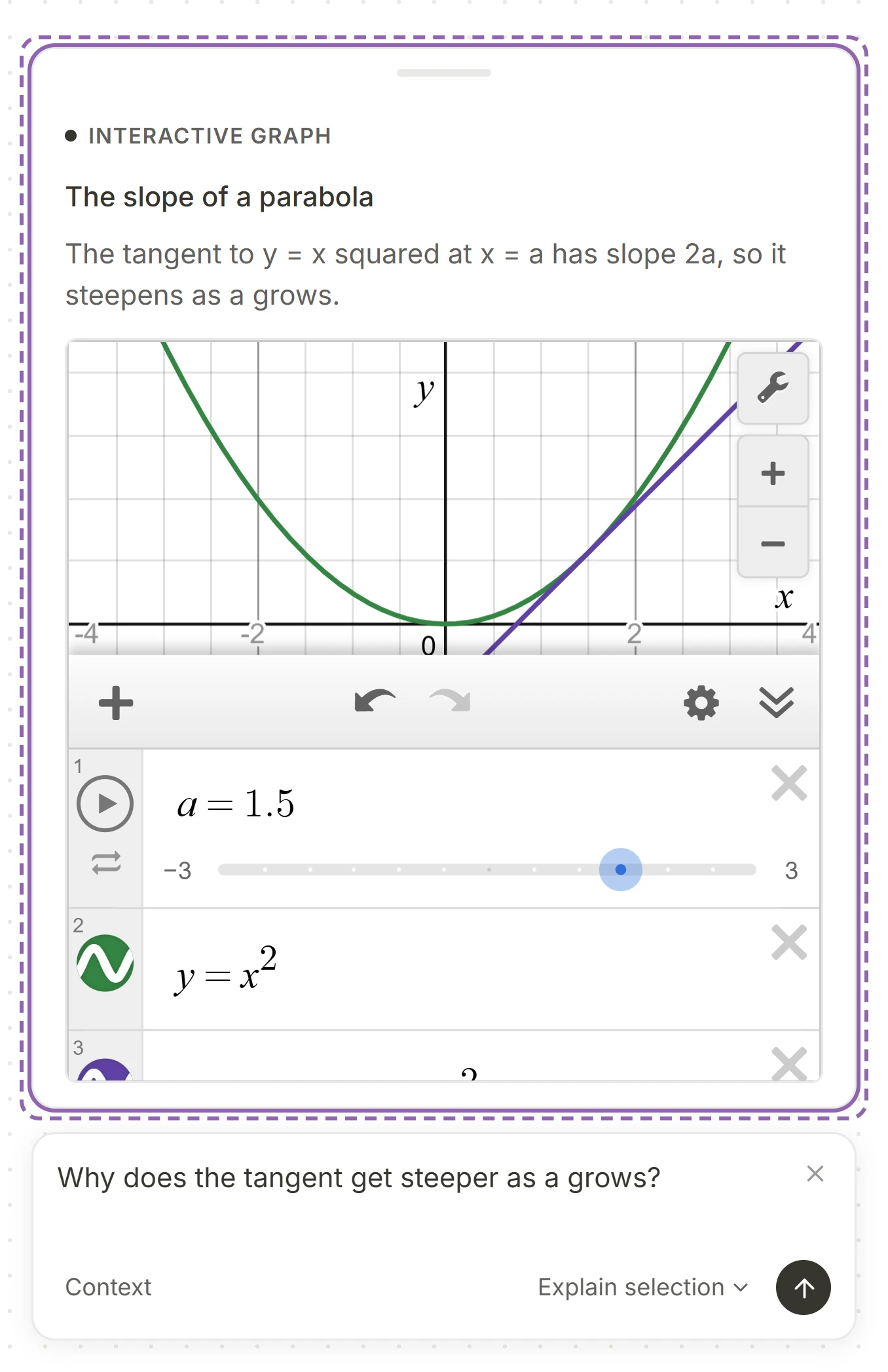
Explore relationships directly.
Plot functions and see how their parameters change the result.

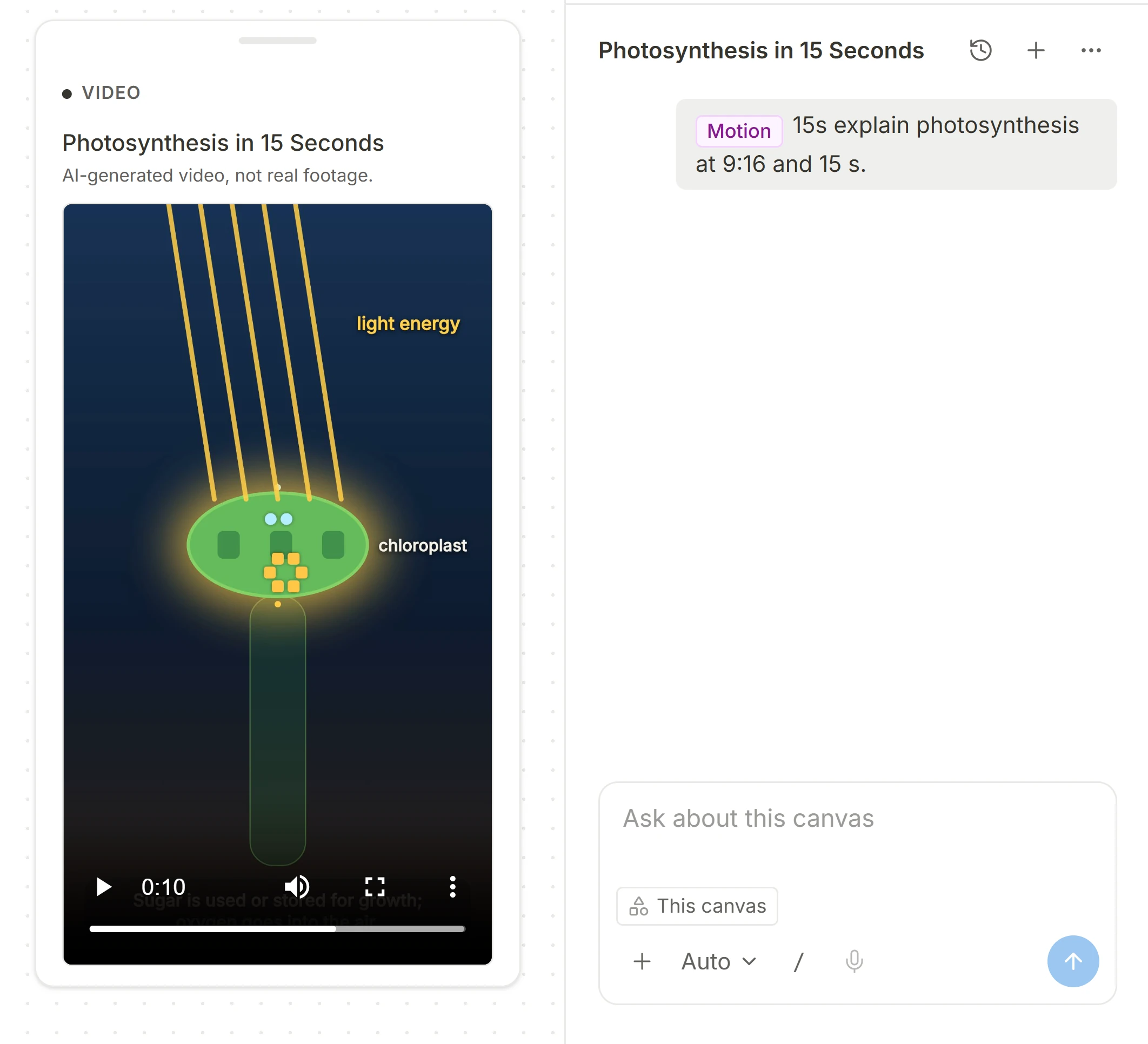
See an idea explained in motion.
Turn a question into an animated explanation with diagrams, text and movement.
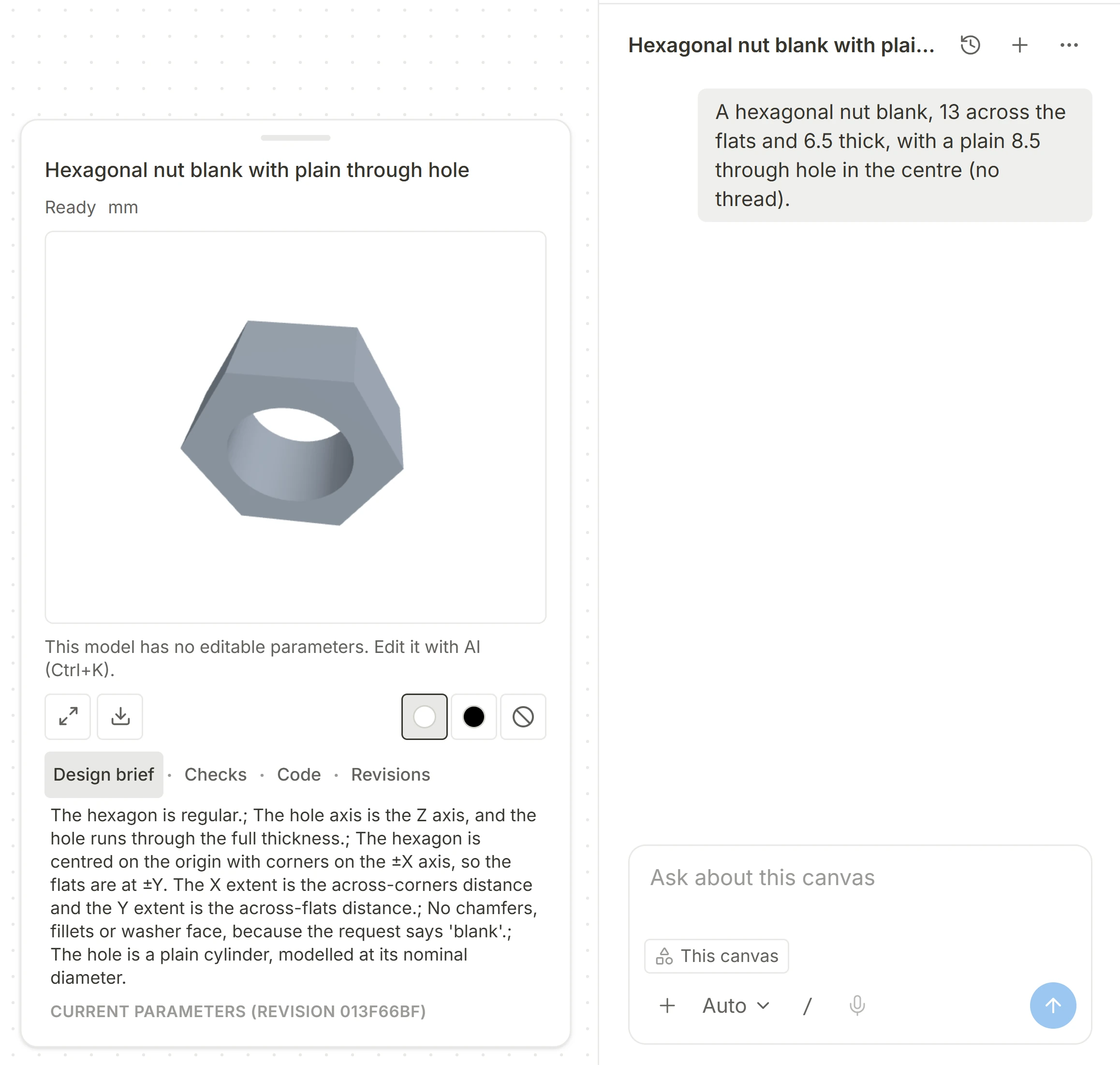
Turn a description into a model.
Describe a part and its dimensions, then inspect the resulting CAD model.
Give a related question its own space.
Branch into another question while keeping a path back to where you started.

Check what you understand.
Test yourself with quizzes, flashcards and Explain back.

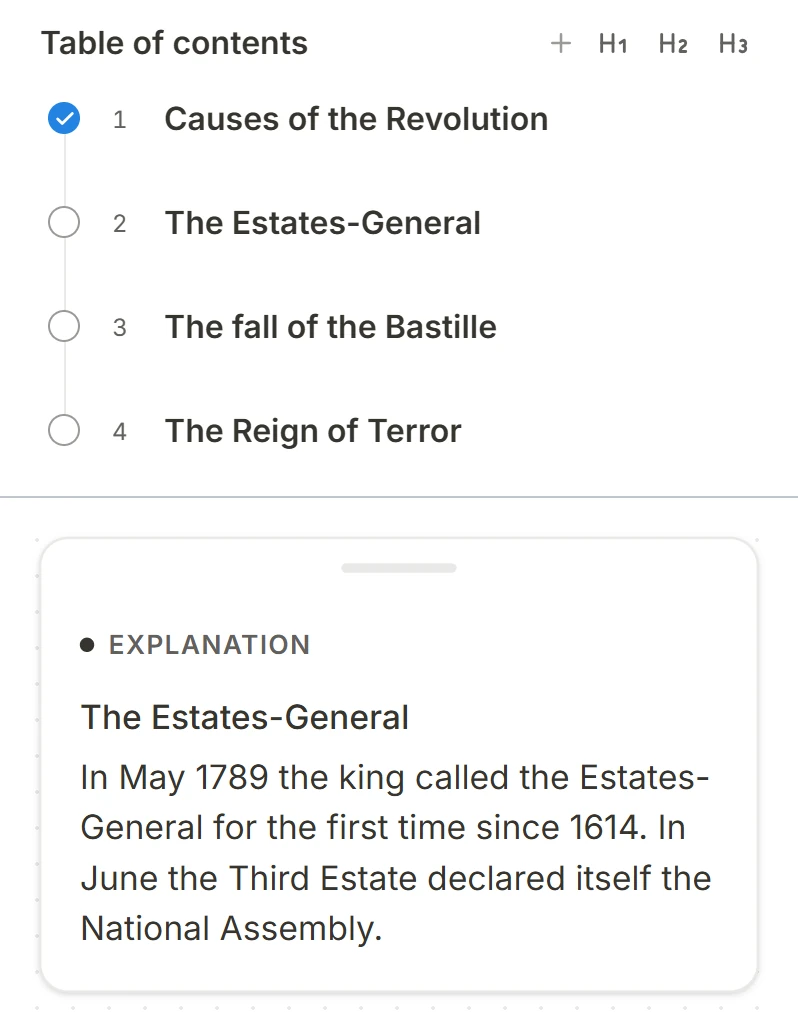
Find your place. Keep learning.
Organize a topic into sections and jump to the part you want to work on.
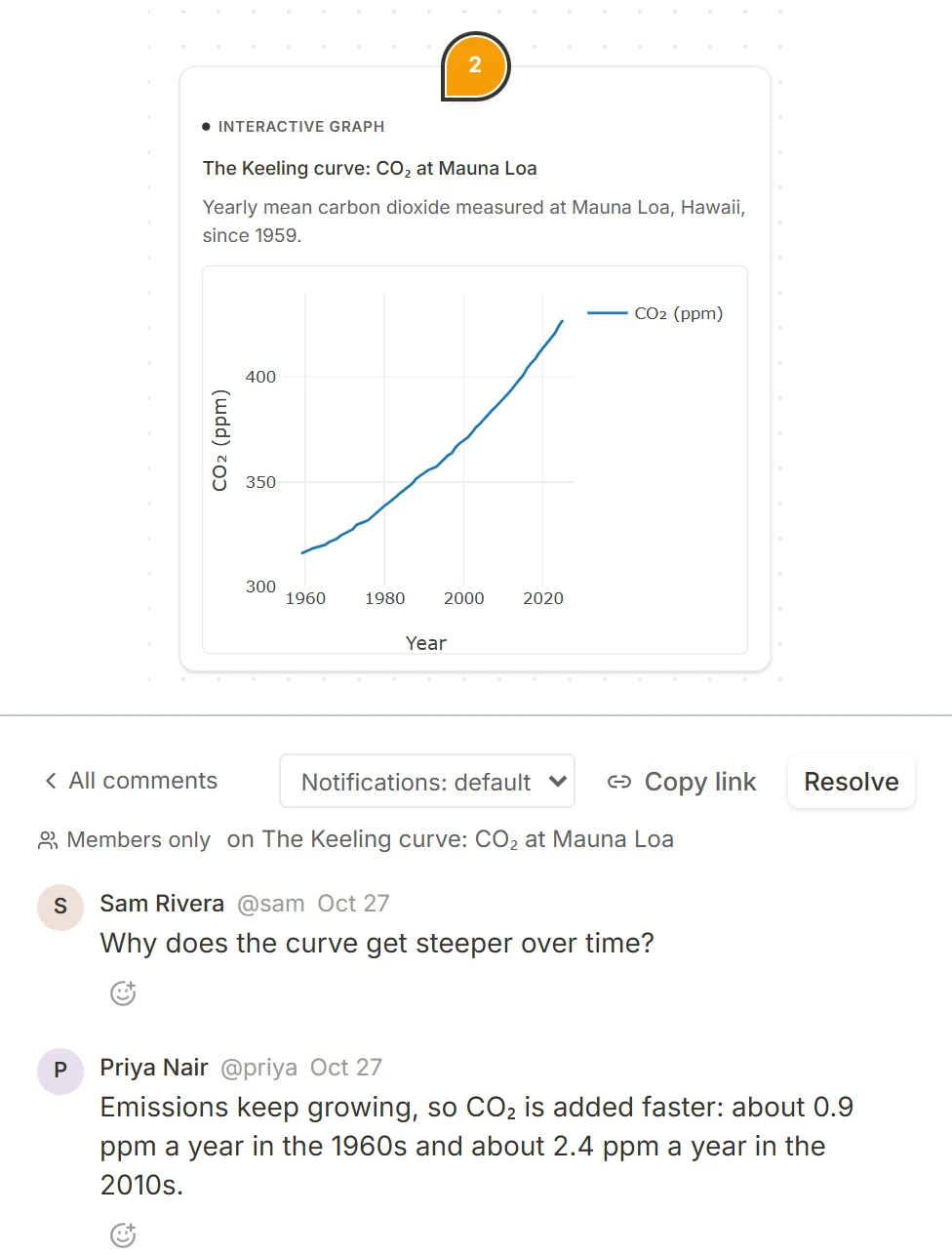
Discuss the work where it lives.
Leave feedback on a shared canvas and respond in context.
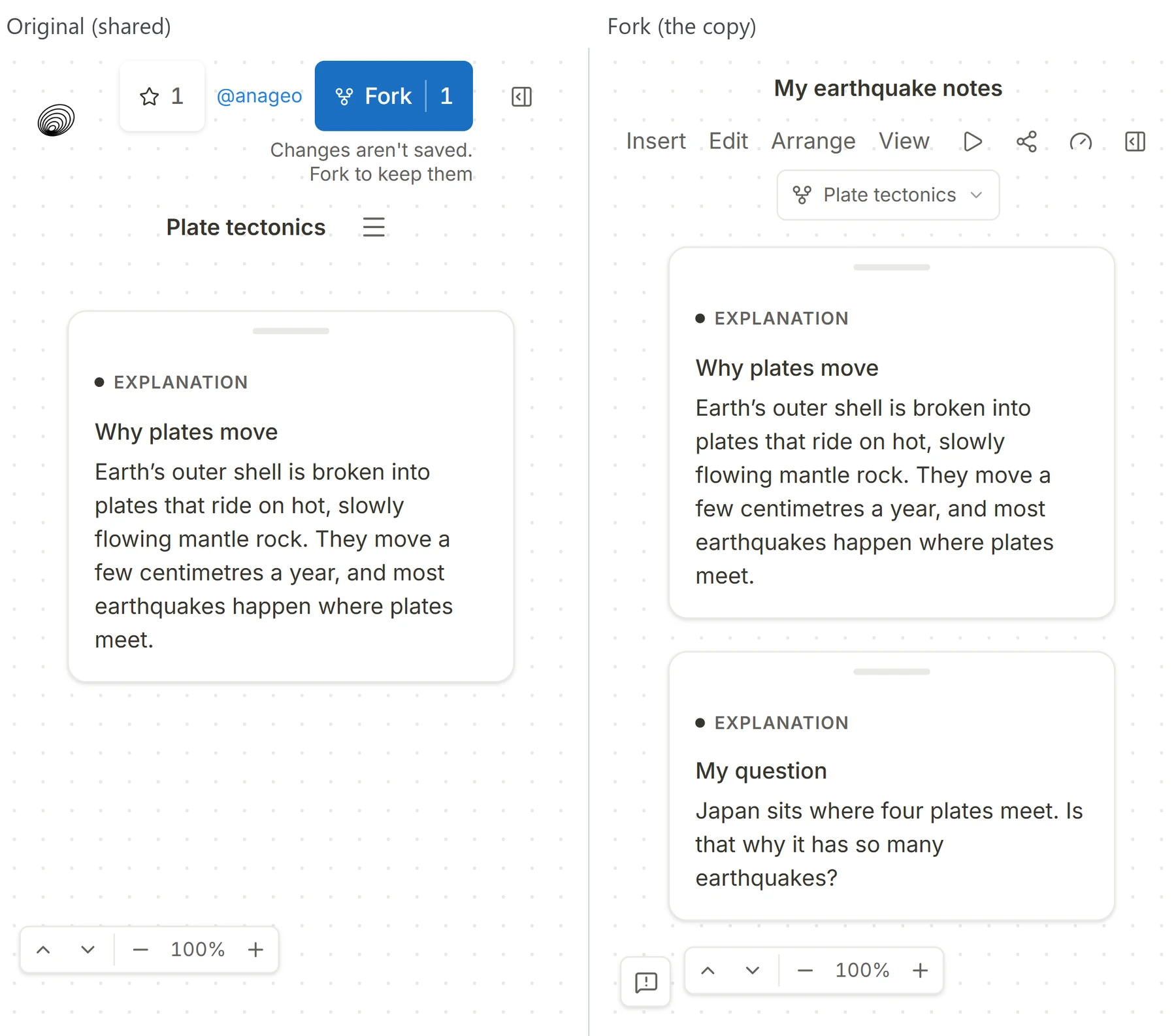
Share your work. Let others build on it.
Share a canvas and let someone continue exploring in their own copy.