Rabbit Hole Blog Features Examples Pricing Get started

OUR MANIFESTO

Every answer
opens another question.

For generations, learning has been designed around a fixed path: one curriculum, one pace, one finish line. AI gives us the chance to build something different: learning that keeps adapting as your understanding grows.

Read our manifesto
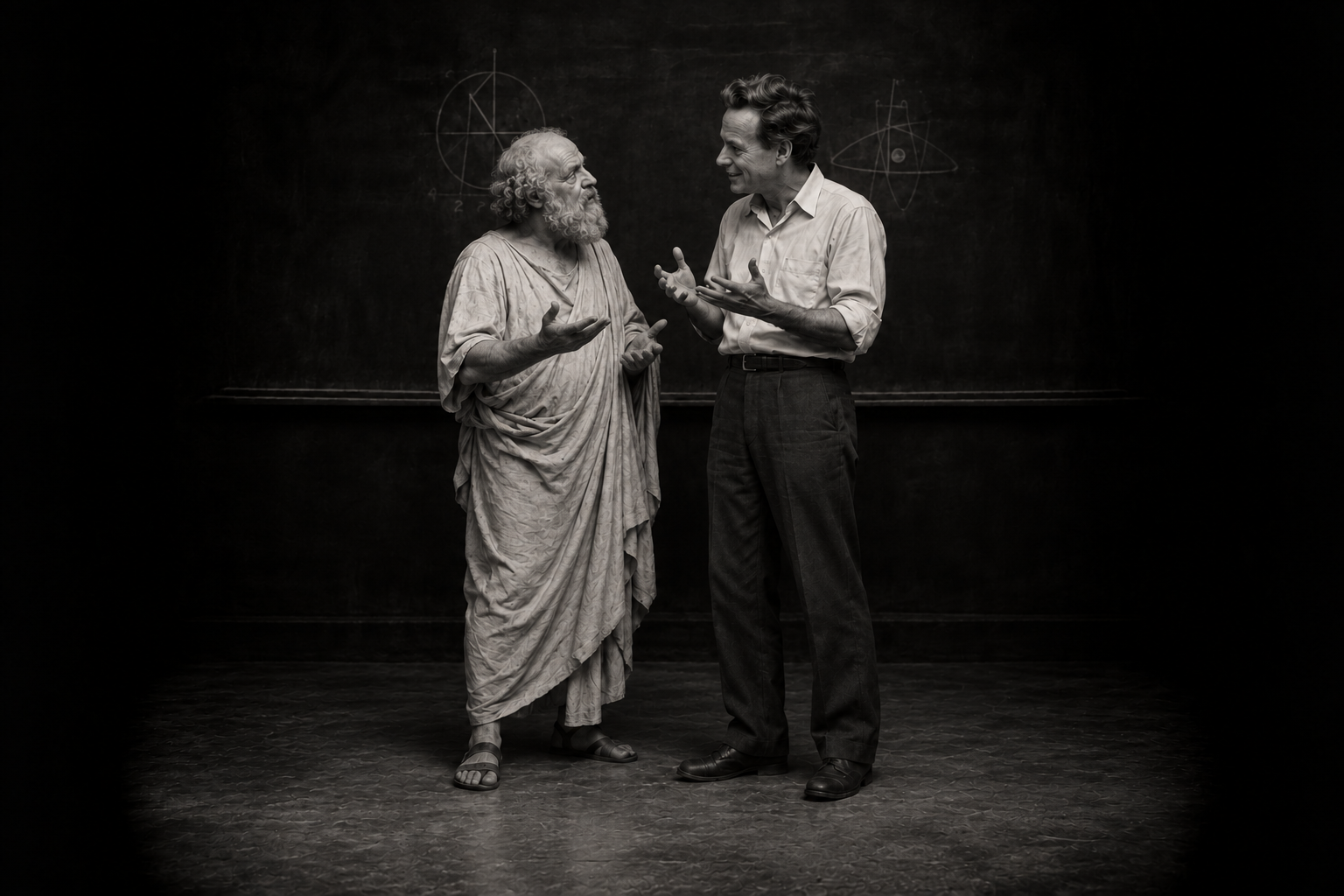

An imagined black-and-white scene of Socrates and Richard Feynman standing in a centered pair, facing each other as they discuss how to teach, with expressive hand gestures and a faint chalkboard behind them.
Socrates · Richard FeynmanAn imagined conversation about learning.
“Wonder is the only beginning of philosophy.”
SocratesIn Plato’s Theaetetus, 155d.Source
“What I cannot create, I do not understand.”
Richard FeynmanRecorded on his Caltech blackboard.Source
A moonlit observatory on a blue mountain summit, with a pink moon above distant peaks and a winding path to its warm doorway

A little orientation

What is Rabbit Hole?

An adaptive learning canvas.
Your sources, your questions, your way in.

Rabbit HoleIllustrative preview
Your curiosity, connected.Continue

Follow a little further

BuildLearn

Follow an idea. Connect the pieces.
Make the understanding your own.

Meet Rabbit Hole

Who is it for?

Continue

A little orientation

Before you dive in.

What is Rabbit Hole?

Rabbit Hole brings your sources, explanations, notes and practice together on a learning canvas. Ask questions, explore ideas and build your understanding at your own pace.

What can I bring into Rabbit Hole?

Add documents, spreadsheets, notebooks, code, images, audio, video and 3D models—most files up to 25 MB. You can also add websites, research papers, YouTube videos and one public GitHub repository per rabbit hole.

Can I use Rabbit Hole for free?

Yes—early access is free, with no credit card required. Every account receives 2,500 AI credits each month. Paid plans are not available yet.

How do AI credits work?

Credits cover AI answers and generated content, with usage depending on your request. Reading and editing your work are free. Larger requests include a review step before you confirm.

Who can see my materials and canvases?

New canvases are private until you share or publish them. Sharing allows read-only viewing, while publishing to Explore makes your canvas publicly discoverable. You can stop sharing, but copies others have already forked remain theirs.

Are uploads used for model training?

AI features send relevant content to third-party providers. Their policies vary, so we cannot currently guarantee that uploads are excluded from training across every provider. See our Privacy Policy for details.

Can I share or export my work?

Share a canvas by link, publish it to Explore or embed a public canvas on another website. You can download your original uploads, but whole-canvas and notes export are not available yet.

Can AI make mistakes?

Yes—AI can produce incorrect or incomplete answers. Check important information against your sources, especially calculations and technical explanations.

How long does generation take?

Generation time varies with the type and complexity of your request. Detailed creations can take several minutes.

How do I get started?

Create a free account using Google, GitHub or an emailed sign-in link. Choose “Start a rabbit hole” and add your materials, or begin with a blank canvas.